
Updated on 29 Apr 2026
You've outgrown shared hosting. Or maybe you haven't started yet, but you already know shared won't cut it because your project needs dedicated resources, proper control and room to grow without asking permission first.
The catch is that you don't want to spend hundreds of pounds a month on a server you'll only use a fraction of. The good news is that a cheap VPS can absolutely give you serious performance. But "cheap" and "good" only overlap when you know where to look and what to ignore.
This guide walks you through the decisions that separate a bargain from a regret.
Work out what you truly need
Before you start comparing plans, get specific. A WordPress blog with steady traffic has very different requirements from a development server running multiple containers. And both look nothing like an ecommerce store gearing up for a product launch.
1. Traffic and workload
Start with what your VPS will do day to day.
If you're running a content site that serves 10,000 visitors a month, a 2-core VPS with 2GB of RAM will likely handle it comfortably. If you're hosting a web app with concurrent database queries and background tasks, you'll need more CPU and more memory – even if your visitor count is modest.
Think about peaks, too. Does your traffic arrive in steady trickles or sudden waves? A site that gets 80% of its visits during a 4-hour window needs more headroom than one that spreads the same total across a full day. Underestimate this and you'll spend your busiest hours watching your site crawl.
2. Operating system and control panel
Most low-cost VPS plans include a choice of Linux distributions like Ubuntu, Debian or AlmaLinux, at no extra cost. Windows typically adds a licensing fee that can double the price of an entry-level plan. If your project doesn't specifically require Windows, sticking with a Linux VPS can keep your bill lower.
Control panels are the other consideration. Some providers bundle Plesk or cPanel with their VPS plans, whereas others charge for it separately. If you're comfortable with the command line, skipping a paid panel is an easy saving. If you're not, factor the cost in before you compare plans. Otherwise, you're just comparing apples with invoices.
Understand the specs that affect speed
Here's where shopping for the best cheap VPS gets interesting. A plan with 4 cores and 8GB of RAM can outperform a more expensive one with identical on-paper specs. The difference comes from the hardware underneath and how the provider allocates resources.
1. CPU cores and allocation
The number of vCPUs in your plan will give you some idea. But what you need to check is whether those cores are shared with other users on the same physical machine, or whether you're getting a guaranteed allocation.
Look for the term "dedicated resources" or "guaranteed CPU." Some budget providers oversell their hardware. They promise 2 cores but assign more users per physical server than the hardware can comfortably handle. What this translates into for you is that, when the server is quiet, your VPS flies. But when it's busy, everyone slows down together.
CPU generation also affects performance. A plan running on current Intel Xeon or AMD EPYC processors handles the same workload faster (and at lower power draw) than one running on hardware from 5 years ago. If the provider doesn't mention what CPUs they use, ask.
2. RAM
RAM is often the first resource you'll feel the limits of. A 1GB plan sounds fine until your database, web server, caching layer and operating system are all fighting for the same space.
Some rough benchmarks:
- 2GB – comfortable for a standard WordPress or CMS site with moderate traffic
- 4GB – better for busier applications, online stores, or anything with a database doing real work
- Below 2GB – this is rarely a genuine saving since you'll spend the difference in troubleshooting and performance headaches
3. Storage type and size
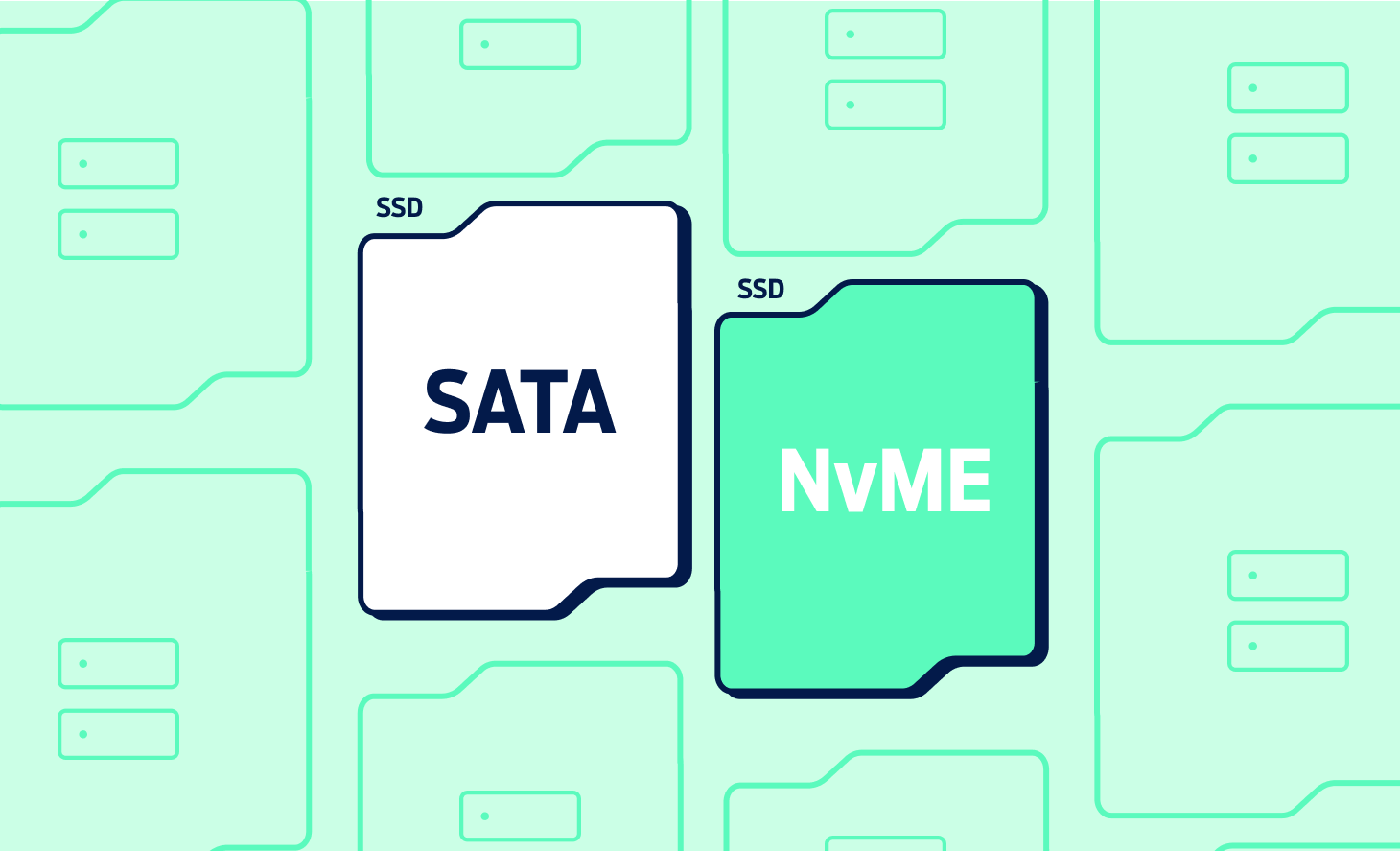
NVMe storage is now standard on most decent VPS plans, and the performance gap compared to older SATA SSDs is significant. NVMe drives handle read and write operations several times faster, which translates directly into quicker page loads, faster database queries and snappier backups.
If you see a plan that's unusually cheap and lists "SSD" without specifying NVMe, check the details. Traditional SSDs are still faster than spinning disks, but they're a generation behind what the better providers use now.
And when it comes to size, most business websites, blogs and small applications sit comfortably within 40-80GB. Don't pay for 500GB you won't use in the next 2 years. Pick a plan that covers your near-term needs and confirm you can add storage later, when you need it.
Check the network and uptime guarantees
A fast server that keeps dropping offline is worse than a slightly slower one that stays up.
Uptime guarantees are common now. 99.9% is the baseline you should expect, and many providers promise 99.99% or higher. But the number alone doesn't tell you everything. Check what happens when the guarantee is missed. Some providers offer service credits for each hour of downtime, while others bury the claim process behind conditions that make it hard to use.
Bandwidth is the other piece. Most high-performance VPS plans include unlimited or very generous bandwidth with a 1Gbit/s port. If you see a cheap plan that caps bandwidth at a few hundred gigabytes, find out whether overages are billed or traffic is throttled. Either way, it's a potential surprise on your invoice.
Data centre location is something many people don’t consider. If most of your visitors are in the UK, a server based in a UK data centre will deliver noticeably lower latency than one housed abroad. That latency adds up across every request your pages make, from scripts, images and fonts through to API calls. And visitors will notice it even if they can't name it. Our guide to maximising your website performance covers why speed and server location affect real business outcomes.
Look at how the provider handles scaling
One of the main reasons to pick a VPS over shared web hosting is room to grow. But not all providers make growing equally painless.
Some let you upgrade your CPU, RAM or storage from a control panel, with changes applied in minutes with no downtime. Others want a support ticket, only offer a manual migration, or expect you to commit to a whole new server with everything moved across by hand.
Before you commit, check:
- Can you add resources to your existing server (vertical scaling)?
- Does the upgrade cause downtime?
- Can you scale back down if you over-provisioned?
If your project is likely to grow, flexibility is worth more than a couple of pounds a month on the base plan. For a closer look at the practical side, we have a walkthrough on how to scale your VPS resources that covers the process step-by-step.
Compare pricing structures, not just headline prices
VPS pricing is full of traps for anyone who only looks at the front-page number.
The advertised price is almost always promotional, and valid for the first 3, 6 or 12 months, depending on the provider. The renewal rate can be double or more. Always look for the regular monthly price before you sign up, because that's what you'll be paying for most of the time you use the service.
Contract length also influences the real cost. Monthly billing gives you flexibility to leave but is usually the most expensive option per month. Annual or multi-year commitments can bring discounts of 30-50%, but they lock you in. If you're testing a new provider, start short. Upgrade only once you're happy.
Then there are the extras that aren't in the base price:
- Backups
- Monitoring
- SSL certificates
- Control panel licences
- Operating system licences (Windows, in particular)
Two plans that look identical at the headline price can cost very different amounts once you add what you need. A good rule – total up every line item for 12 months, including the renewal rate, and compare those numbers. That's a far more honest picture than any single monthly figure.
Evaluate the support before you need it
When your VPS goes down at 2 AM on a Saturday, the quality of your provider's support team becomes the only thing that counts.
Check what channels are available and what hours they actually operate. Ideally you don’t want to be limited to a single channel only. And "24/7 support" should mean 24/7 on every channel they offer, not just a ticketing queue that waits until Monday morning. Some providers keep phone and email open round the clock but limit live chat to business hours. This isn’t a terrible approach, but it’s worth knowing before you need it.
Quality varies as much as availability. A support team that can diagnose server issues and access your VPS configuration is far more useful than one that first routes you through scripted responses before escalating to someone who can help.
If the provider offers a trial or short initial commitment, test the support with a genuine question. The response you get before you're locked in is a reasonable predictor of the response you'll get once you are.
Don't overlook security
The best cheap VPS plans don’t mean settling for a vulnerable server. But some low-cost VPS plans cut corners on security.
At a minimum, your provider should include DDoS protection as standard. DDoS attacks are common, automated and don't care how big your business is. If basic protection costs extra (or isn't mentioned at all) treat that as a red flag. Our guide to DDoS protection explains what this looks like.
Other than that, also consider:
OS patches and security updates – does the provider handle these on managed plans, or is it entirely on you?
Firewall configuration – unmanaged plans (which are typically cheaper) require you to set this up yourself.
Backups – some providers include automated daily backups, while others charge extra.
If your VPS stores anything you can't easily recreate, like customer data, a database, or years of content, don’t view managed backups as optional. They're part of the cost of running a server.
Read the contract and cancellation terms
This sounds boring, and it is boring. But it's also where budget VPS providers most often catch people out.
Check the minimum contract length. Some plans that advertise a low monthly price require a 12-month commitment paid upfront. That's fine if you trust the provider, and less fine if you're testing the waters.
Look at the cancellation process too. Can you cancel through a dashboard, or do you need to phone someone during business hours? Providers that make cancellation inconvenient tend to do so on purpose.
And check what happens to your data when you leave. Do you get a grace period to download backups, or does everything vanish the moment your subscription ends? A few days of access post-cancellation can save you from an expensive mistake.
Test before you commit long-term
If a provider offers a money-back guarantee, even just 30 days, use it. Spin up the server, install your stack, run your application and watch how it behaves under typical conditions.
Pay attention to disk I/O speed, not just raw CPU benchmarks. A slow disk can bottleneck an otherwise fast server in ways that spec sheets won't predict. If you're running a database-heavy application, test query response times. If you're serving a website, test page load speed from the locations where your visitors are, not where you are.
Monitoring tools give you a real picture of performance over time. If you're not sure what to track, a guide to VPS monitoring tools can help you pick the right setup and understand what the numbers mean.
The time you spend testing is almost always cheaper than discovering problems 6 months into a locked contract.
Find the right VPS plan for your project
Choosing the best cheap VPS that performs well comes down to asking the right questions before you hand over payment details. Know your workload. Understand the specs. Compare real costs over 12 months, not promotional headlines. Test the support, check the contract and confirm you can scale when the time comes.
Get those decisions right and a budget VPS gives you the control and performance of a much more expensive setup, but without the bill to match.
Fasthosts offers a range of VPS plans built on NVMe storage with dedicated resources, UK-based data centres and 24/7 support. If you're weighing up your options or are ready to move, our team can help you find the right plan for your project and your budget.