
Updated on 16 Apr 2026
When choosing a domain name for the first time, it isn’t always easy to know what’s right and what’s wrong. itscrap(dot)com may seem like a clever fit for a company selling scrap IT components, but your domain needs to suit your brand and follow official naming rules.
Now you may be wondering how a domain name works, and what exactly makes a valid domain name? To create a valid domain name, you’ll need to follow a few domain naming rules and complete a domain validation process. Only then can your chosen name be used online.
Fortunately, having a valid domain is the easy part. It’s picking the right one – and making sure it doesn’t clash – that’s tricky. But don’t worry. In this guide, we’ll explain what a domain name is, how it works, what TLDs and subdomains mean, and the rules for creating a valid domain name.
What is a domain name?
So, what is a domain name exactly? It’s more than just the web address of your site – it’s your online identity and how people find you on the internet. A good domain name builds trust, reinforces your brand, and makes it easy for customers to remember you.
A domain name usually consists of a website name and a domain extension. Having a memorable or relevant domain name helps users reach your site easily and boosts your visibility in search engines.
Behind the scenes, every website address is linked to a long string of numbers known as an IP address (for example, 245.53.536). Through a process called DNS (Domain Name System) lookup, your browser translates that IP address into a human-friendly domain name. This process is what allows you to type “fasthosts.co.uk” instead of remembering a sequence of digits. In short, that’s how a domain name works.
What are the components of a domain name?
There are three main parts to any domain name, each separated by a dot. Reading from right to left, the first component is known as the top-level domain, or TLD.
This section includes generic TLDs such as “.com”, “.net”, and “.org”, but can also feature country-code TLDs (ccTLDs) like “.es” and “.uk”.
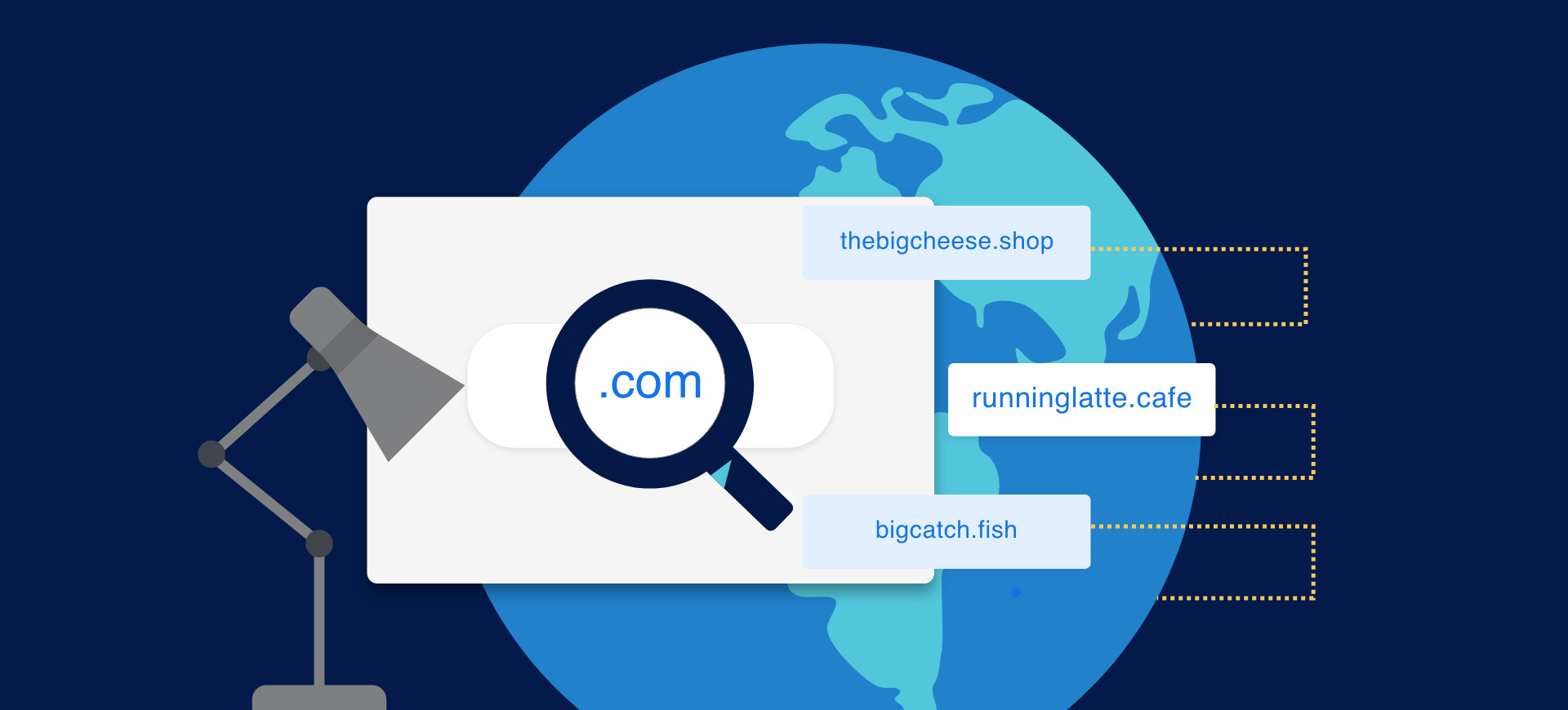
In recent years, hundreds of new TLDs have launched, including industry- and location-specific options like “.app”, “.shop”, and “.london”.
The next section (to the left of the TLD) is the second-level domain (2LD), which usually identifies the brand, organisation, or website name.
If there’s anything further left of the 2LD, then you’re looking at the third-level domain (3LD), sometimes called a subdomain.
Let’s look at the examples below for clarity:
For Amazon’s US domain name, “amazon.com”:
- “.com” is the TLD (top-level domain)
- “amazon” is the 2LD (second-level domain)
For Amazon’s UK domain name, “amazon.co.uk”:
- “.uk” is the TLD (top-level domain)
- “.co” is the 2LD
- “amazon” is the 3LD, or subdomain
A subdomain, such as “blog.example.com” or “shop.example.com”, helps organise different sections of a website or separate services under one main domain.
A simple hierarchy that helps search engines and users understand how your domain is structured.
What makes up a valid domain name?
A valid domain name is one that follows official domain naming rules, belongs to a real person or organisation, and passes domain validation. Once a name is registered through an approved registrar, it becomes unique – no one else can use it.
Technically speaking, all registered domain names are “valid”. But before you register, you’ll want to confirm that your chosen name meets the formatting and legal requirements.
To find out who owns a domain:
- Open a new browser window and search for “WHOIS” followed by the domain name you want to check.
- Press enters, and you’ll see whether that domain is registered.
- If it is, you’ll usually get details such as the registration contact information, name servers, domain statuses, and the sponsoring registrar.
To make sure your chosen name is legitimate, you can also check availability with our handy domain search tool.
Domain naming rules
Domain names must follow certain technical rules to be valid. They must:
- Contain only allowed characters in domain names: letters (a–z), numbers (0–9), and hyphens (–).
- Be between 3 and 64 characters long, excluding the TLD (such as .com or .uk).
- Not begin or end with a hyphen and not contain hyphens in both the third and fourth positions (e.g. www.ab--cd.com is invalid).
- Not include spaces or special characters, such as “!” or “&”.
Hyphens in domain names are technically allowed, but they make names harder to remember. It’s best to use them only if necessary. For example, if your ideal name is already taken.
Additional limitations
When creating a valid domain name, it’s also important to understand that certain names are restricted or protected by trademark and copyright laws. If a registered brand feels your domain infringes on its trademark, they can dispute its ownership. Always check your name doesn’t conflict with an existing trademark before registering it.
Safety and security
For safety and security reasons, it’s important to go through the domain validation process. Domain validation confirms that you’re the legitimate owner and that your website can be trusted by visitors and browsers. This is especially important if your website collects user data or processes payments. Without validation, users may see browser warnings or hesitate to interact with your site.
As soon as your new website goes live, request your domain validation certificate. It acts as proof that your domain name has been verified and that your site is secure to use.
All Fasthosts domains and SSL certificates are hosted in UK data centres with 24/7 support, 99.99% uptime, and free SSL included – so your online identity stays secure and reliable.
Applicant checking
Luckily, domain validation is straightforward. Once your registration is processed, you’ll receive an email with a confirmation link. Clicking that link confirms you control the domain. This is known as Domain Validation (DV), the simplest level of validation that confirms ownership of the domain name only.
For businesses, higher validation levels are available, such as Organisation Validation (OV) and Extended Validation (EV). These provide additional trust indicators, showing that your company details have been verified and displayed in your SSL certificate.
After your validation is complete, you can apply for an SSL certificate.
SSL certificates
Once domain validation is done, the next step is getting an SSL certificate. SSL (Secure Sockets Layer) provides an encrypted connection between your users’ browsers and your website. You can tell a site has SSL protection by the padlock icon and “https” at the start of the URL.
An SSL certificate is vital for any site handling personal data, payments, or logins. Search engines also give preference to secure “https” websites. That’s why all our Web Hosting packages include free SSL certificates.
If you’re transferring a domain or using another provider, you may need to verify your ownership before a certificate can be issued. Typically, this involves responding to a domain validation email or adding a verification code to your site’s DNS records. In some cases, you might be asked to provide ID, such as a passport or driver’s licence, to confirm your registration.
How to choose your domain name
Your domain name is a crucial part of your online presence, so it’s important to choose the right one. Whether you’re registering a brand-new TLD, a local .uk address, or a subdomain for a specific service, the same principles apply. Here are a few top tips to get started.
1. Be creative
Creative domain names make for good branding because they stand out from the crowd, compared with generic names that fade into the background.
For example, comparethemeerkat.com will always beat generic domains like pricecomparison.com or comparemyprices.co.uk because it’s memorable, brandable, and easy to recall.
You could also take this a step further by registering a different top-level domain (TLD) from the usual ones.
Not only do new TLDs help your site stand out, but they also give you countless starting points for creative ideas. And choosing an extension that fits your industry, or audience can help make your domain more relevant and modern.
Some popular options we offer include .xyz, .club, .dev, .io, and .tech – and there are many more to explore.
2. Avoid hyphens and numbers
Although you can use them, hyphens in domain names can make your site harder to remember. Plus, customers might not know whether to type a number or spell it out.
Keep your name short, slick, and simple. And if your ideal name is taken, consider a different TLD instead of adding punctuation.
Learn more: Should you use hyphens in a domain name?
3. Use relevant keywords
Adding relevant keywords to your domain name can make it clearer what your business offers. For example, if you sell handmade rugs online, you might include “rugs”, “crafts”, or “tufting” in your domain name. Just keep it natural and readable, as keyword stuffing can hurt your brand credibility.
4. Shorten the brand name
Shorter domains are easier to type and remember. Aim for a name under 15 characters if possible and avoid complex spelling. For example, the app DeepL uses its technology’s initials while still being simple and recognisable.
This step might take some brainstorming, but it’s worth the effort – rebranding or changing domains later can affect SEO and customer trust.
Ready to register a valid domain?
Now that you know the ins-and-outs of what makes a domain name valid or not, it's time to create your own and buy a domain name. Or, if you've still got some questions, get in touch with our sales team.