
Green hosting
We take care of our planet, because without it we wouldn’t be here to do what we do best.
 Automate calendar management, file organisation, and email drafts Scale your server as your agent learns Never miss a message or task
We take care of our planet, because without it we wouldn’t be here to do what we do best.

We take your security seriously, and we've got the certifications to prove it.

We've gone for gold and achieved the highest data centre tier available!

We're proud to be hosted in the UK and powered by British innovation.

It's official – we're the SoGlos Medium Business of the Year!
Our data centres use 100% renewable electricity, as well as sustainable HVO biofuel (not diesel) for their generators. We also have an ISO 50001 certificate for energy management, so the energy we do use is used in the best way possible. Our Worcester data centre also has solar panels covering its entire roof, and has been designed using carbon-neutral architecture.
Learn more (https://www.fasthosts.co.uk/about/data-centres)Relax knowing your data is in safe hands. Our data centres are ISO 27001-certified, meaning they meet industry best-practices for information security. So you can rely on top levels of data protection.
Learn more (https://www.fasthosts.co.uk/about/data-centres)Our Worcester data centre is Tier IV-certified, meaning it meets the highest standards in data centre certifications. With 99.999% availability, the highest levels of fault tolerance, and continuous cooling, you can count on us to keep your data secure and everything running smoothly.
Learn more (https://www.fasthosts.co.uk/about/data-centres)Fasthosts is born and bred in the UK, with our HQ sitting in Gloucester since 1998. Plus, our UK data centres are at the core of the services we provide. And with data sovereignty being on everyone's minds, it's good to know that your data is kept locally.
Learn more (https://www.fasthosts.co.uk/about)In 2025, we won the Medium Business of the Year award at the SoGlos Gloucestershire Business Awards. We're incredibly proud of our teams and the hard work that goes in every day to make this company what it is – from an A-Level project to a thriving, award-winning business.
Get total control and stable performance.
Never pay extra for traffic, even as you grow.
Your data is transferred at lightning speed.
Get set up today with absolutely zero fees.
Get expert support no matter when you're working.
OpenClaw is the open-source, autonomous agent that takes action. Connect it to your favourite messaging apps to manage calendars, draft emails or run automation commands. It's a do-engine, not just a chat-engine.
To work around the clock, your self-hosted AI assistant needs a cloud server that never sleeps. That's where an affordable, powerful Fasthosts VPS comes in.
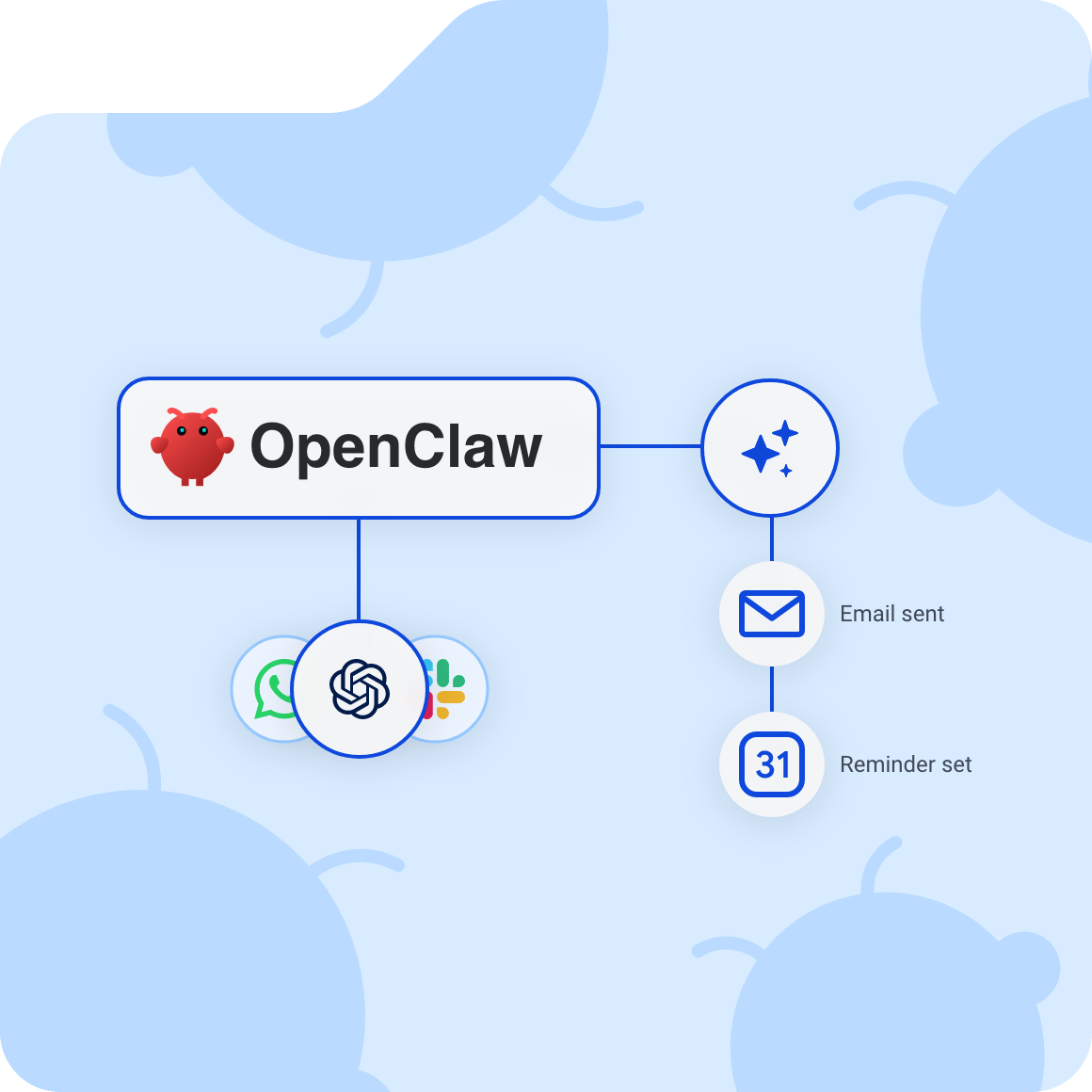
Getting started with OpenClaw on a VPS is simple. Launch your AI agents in minutes and start task automation. For a full guide on how to get set up, read more here.
Spin up an Ubuntu VPS in your Control Panel with at least 2GB RAM, then log in to get started.
Paste the quick install command. Follow the easy on-screen prompts to securely link your accounts.
Securely log in to view your new OpenClaw dashboard. You're now ready to start automating tasks!
You can run OpenClaw on a self-hosted virtual private server, based right here in the UK. Get all the power, automation, and features that make your workflow simple.
Our VPS Hosting ensures OpenClaw never misses a thing. So your self-hosted AI agent will keep working even when you're not.

Hosting on a VPS means you won’t burn out your computer or pay for expensive, always-on electricity. Rely on our servers to do the work.

On a UK VPS with us, you get 1Gbit/s connectivity – meaning no lag for your OpenClaw workflow, so everything runs smoothly.
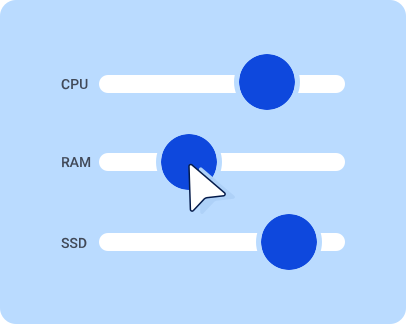
As your AI agent learns new skills and tasks, your server can scale and grow with it. Don’t let your business or project get boxed in.
We'll give you all the features and specs you need to run OpenClaw on VPS hosting without hiccups.

We'll never cap your traffic, so your AI agents can run constantly with no interruptions.

You get full control of your environment to configure it exactly how you like.

Our super-fast NVMe storage makes sure that your AI agent fulfils tasks instantly.

Your data is hosted in ISO 27001-certified, UK data centres, so everything is kept close to home.

I contacted Fasthosts today with some technical queries and had the pleasure to speak with Marvin. He was extremely helpful and patient talking me through each stage of the process to resolve my queries. I am very grateful for his help. Would highly recommend.
Fasthosts always provide first class customer service. They explain everything clearly, and do not sell unnecessary products. In fact they inform you of free options. Kate was extremely helpful in helping me set up my email forwarding and I am very happy with the help and support I have received.
Questions about our OpenClaw VPS Hosting? Our FAQs provide answers to the most common queries. You can also contact our expert support team any time.
OpenClaw VPS hosting means running OpenClaw (formerly known as MoltBot or ClawdBot) on a Virtual Private Server (VPS) instead of your own laptop or desktop. You get dedicated server resources, full control (root access), and an always-on environment for your self-hosted AI assistant. This is ideal if you want your OpenClaw automation and AI agents running 24/7 without relying on your personal device.
Yes. OpenClaw is the evolved version and successor to the projects previously known as MoltBot and ClawdBot. If you've been following older tutorials for those tools, the setup process on a Fasthosts VPS remains very similar, but with the added features and stability of the new OpenClaw release.
Because your computer isn't designed to be an always-on server. A VPS stays online, keeps your OpenClaw agent available in the background, and gives you a cleaner separation between “workstation stuff” and “automation server stuff”. It's also easier to scale up resources if your usage grows.
You don't need to be technically-minded, but you'll be more comfortable if you can:
For most OpenClaw hosting setups (where models are called via APIs rather than running locally), you typically want:
You can run smaller for testing, but for reliable, 24/7 automation, 4GB RAM is a sensible baseline.
Usually, no. If your OpenClaw setup uses cloud model APIs, the heavy lifting happens elsewhere and your VPS mainly runs the agent, tools, and integrations. You'd only look at GPU resources if you're planning to run local models on the server (different cost/complexity profile).
For most people, the smoothest route is Docker/Docker Compose:
In general, don't expose the OpenClaw gateway openly. Treat it like an admin panel. Best practice is to keep it private (loopback) and use secure access methods, like a private network tunnel or SSH port forwarding. If you must allow access, lock it down tightly with firewall rules and strong authentication.
Yes. A VPS is a good fit for running multiple AI agents, scheduled jobs, and automation workflows, especially if you're integrating with messaging apps, webhooks, browser automation, or external services.
If your workloads grow (more concurrent agents, heavier tool use), you can scale up CPU/RAM so things keep running smoothly.
If you’re in the UK (or serving UK users), hosting your OpenClaw instance closer to you generally improves responsiveness and makes connectivity more predictable. It also helps if you have data handling requirements that favour UK-based hosting.